A screen saver for macOS
A brick-breaker that plays itself.
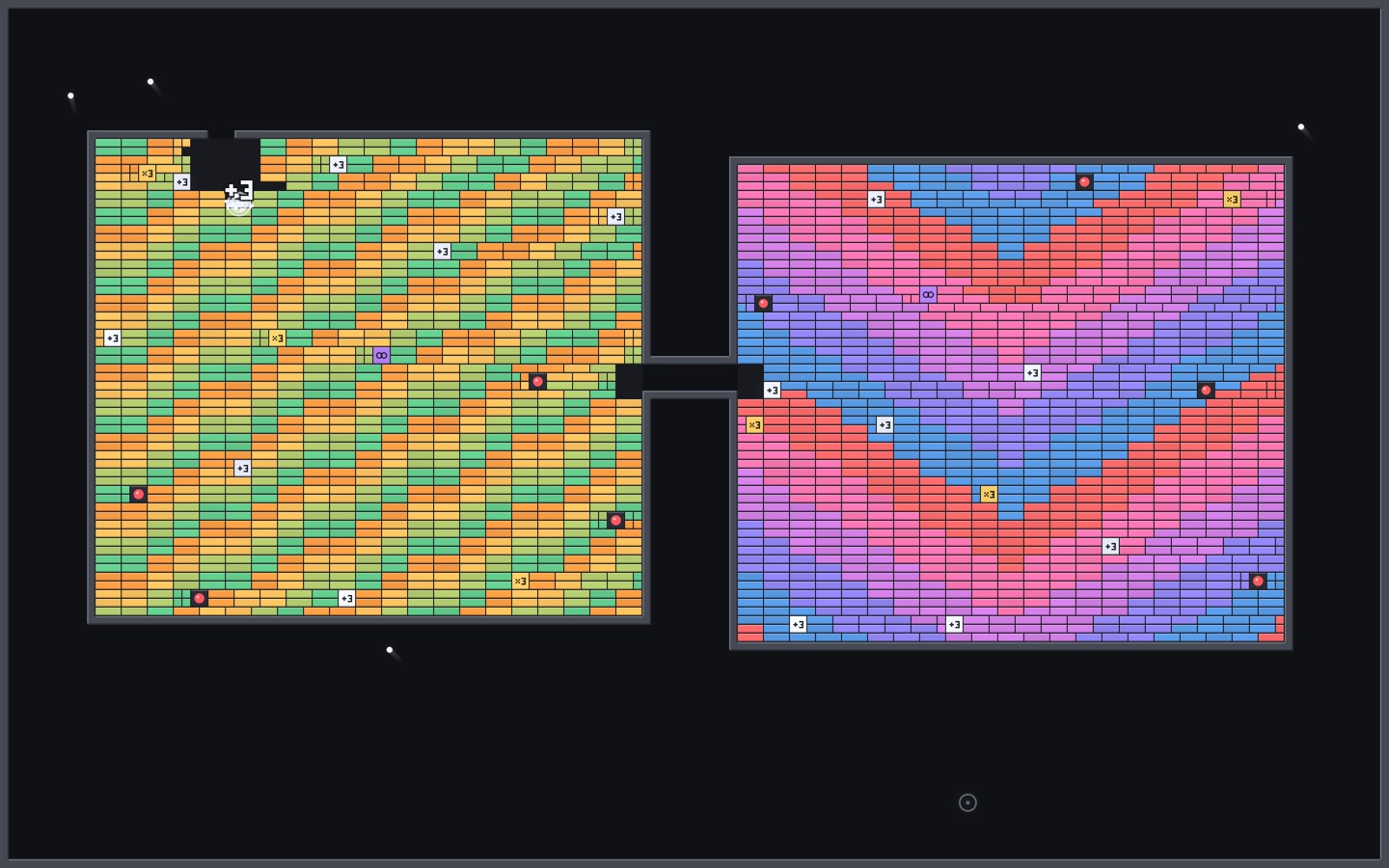
One ball slips into a steel chamber, hits +3, then ×3. Three become nine, nine become twenty-seven, and the chamber erupts. Then a new level builds in. Forever.
macOS 14 Sonoma or laterUniversal1.3 MB14-day refunds
One full level at 2× speed, recorded from the real renderer.
One ball. Then 3. Then 9. Then 150.
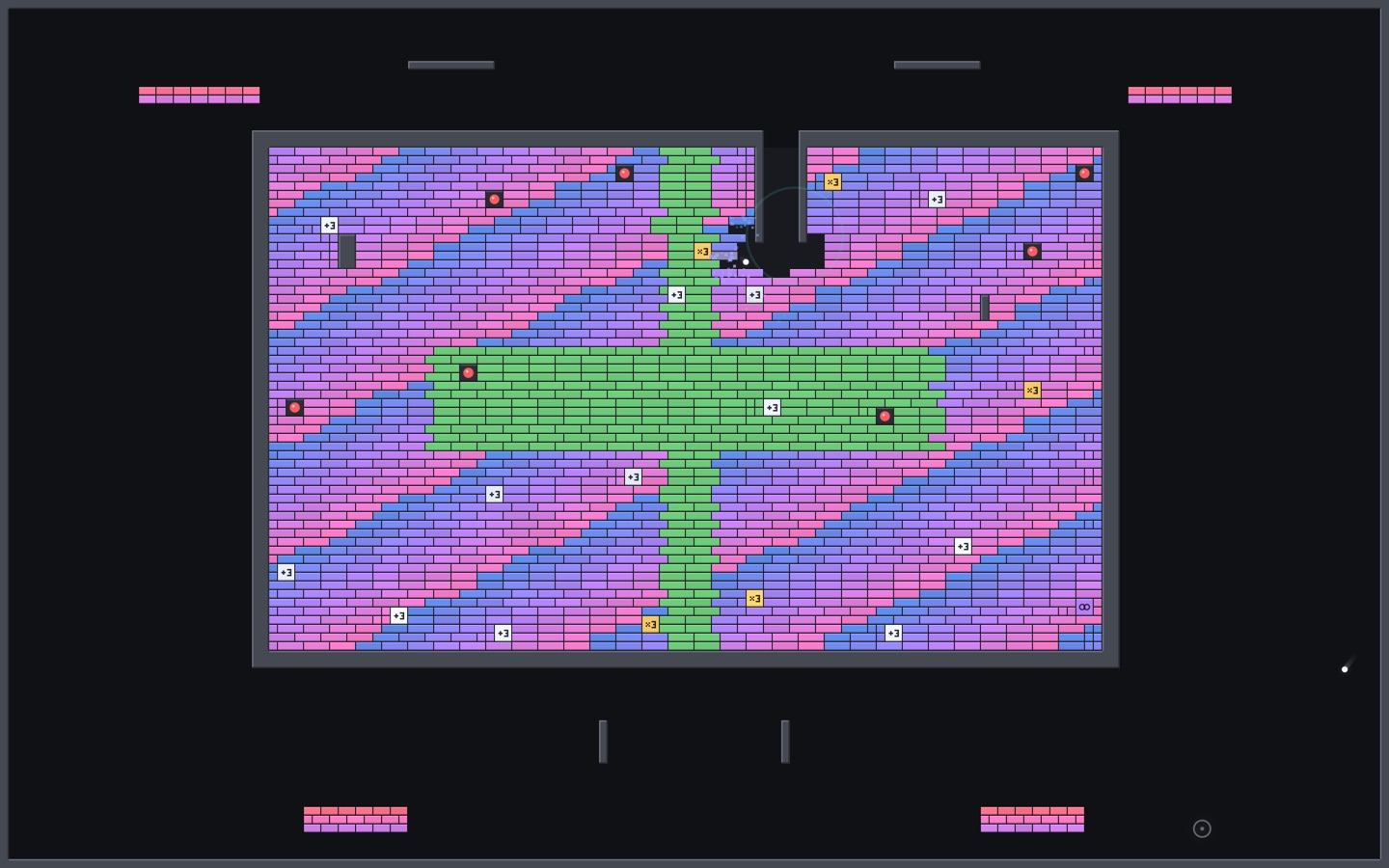
One ball
A single ball bounces until it finds the gap: through the steel tunnel and into a sealed chamber of tiny bricks.
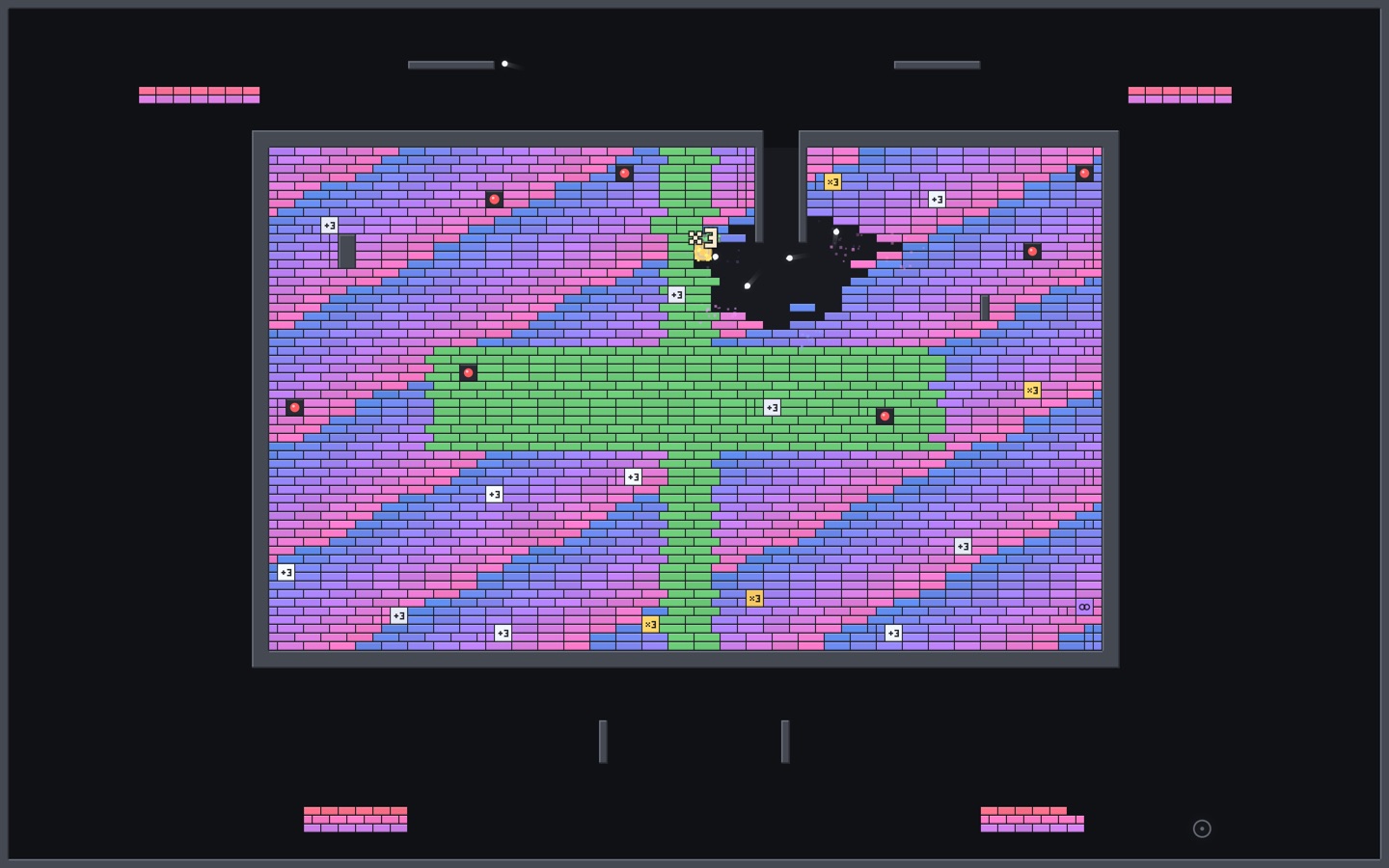
Then 3. Then 9.
It clips a +3, then a ×3, and every ball in the chamber splits in three. The wall starts to give.
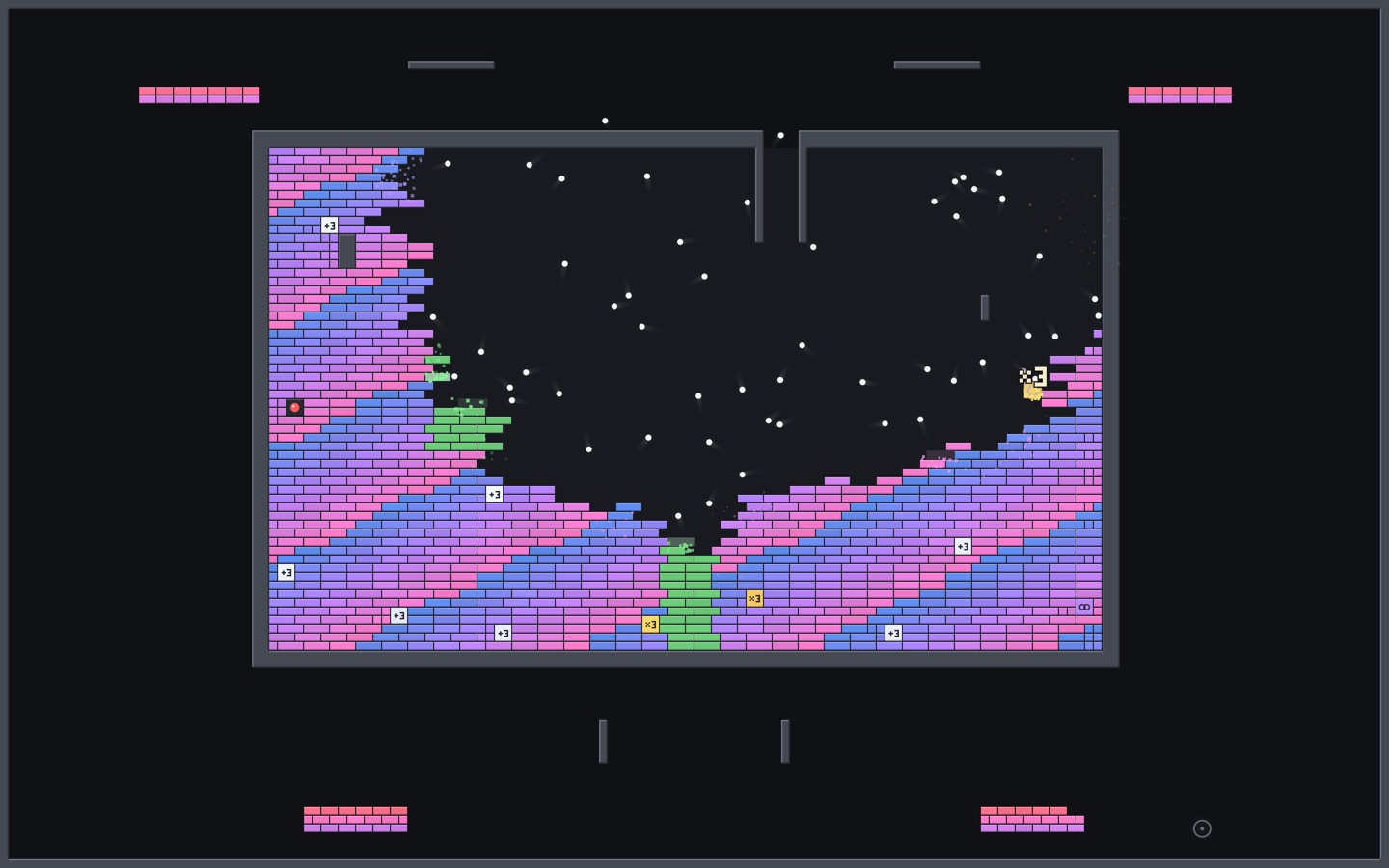
Then 150.
Within seconds a swarm of balls tears the chamber apart in a storm of particles. Then a new level builds in.
Endless variety
Tunnels, twin chambers, mazes and cascades, generated fresh with a new palette every level.
Real physics
Every bounce is simulated. Nothing is a canned animation, so no two levels play the same.
Every display
Each screen gets its own level, from a laptop to a wall of monitors.
Light on your Mac
Metal rendering at 30 fps. On battery or in Low Power Mode it drops to 20 fps with fewer particles.
Private by design
No network access, no account, no analytics. It can't phone home because it never goes online.
Native
Written in Swift for macOS 14 Sonoma and later. Universal build, Developer ID signed and notarized by Apple.
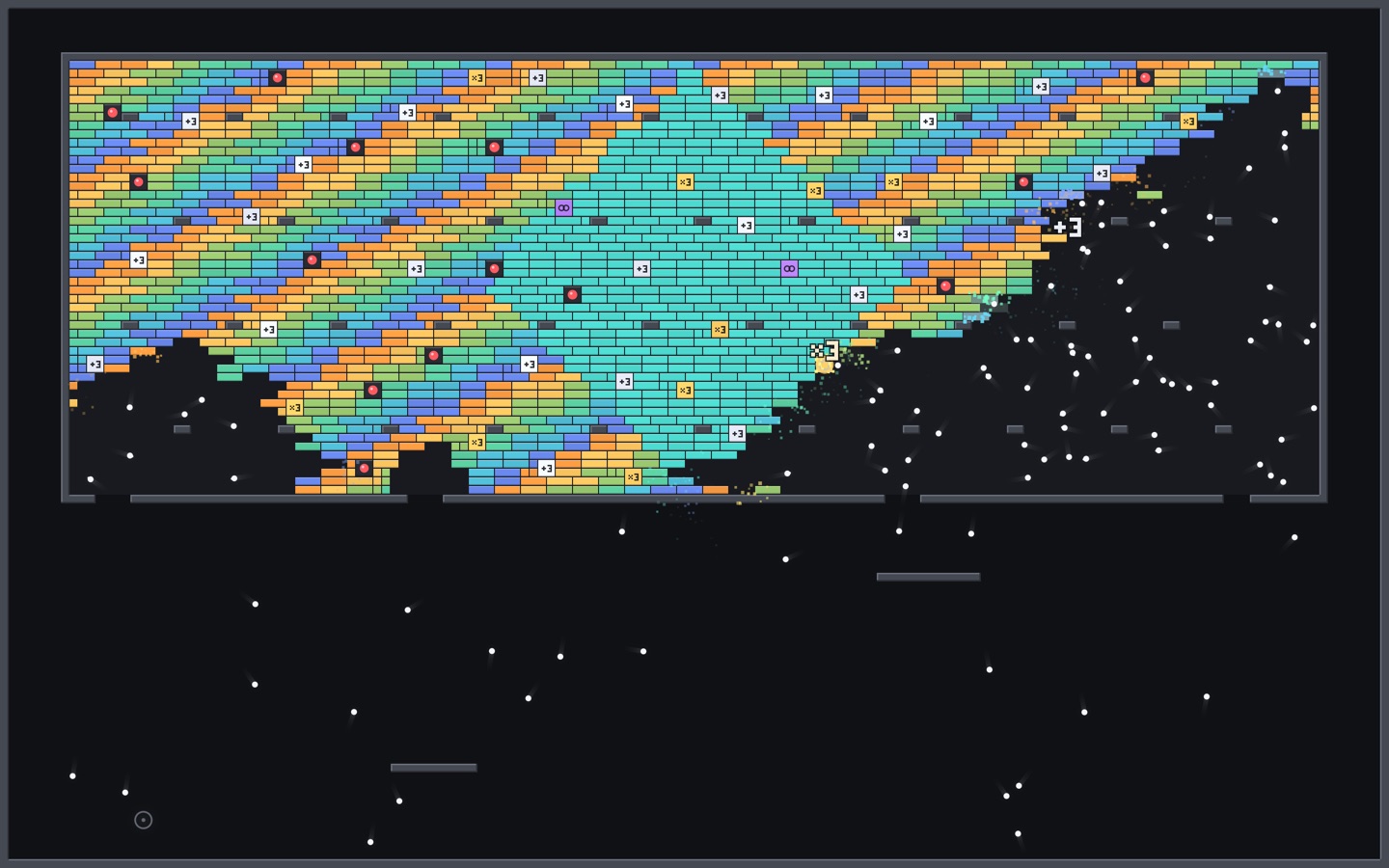
Every level is new.
Layouts, palettes and power-up positions are generated for each level, so your screen never shows the same wall twice.
Multiball
$4.99
One-time purchase. Free updates.
- ✓ The Multiball screen saver for every Mac you use
- ✓ macOS 14 Sonoma or later, Apple Silicon and Intel
- ✓ No account, no subscription, no tracking
- ✓ 14-day refunds, no questions asked
Secure checkout by Polar, who handle payment and sales tax.
Questions
Is it a game?
No. It's a screen saver that plays a brick-breaker by itself. There's nothing to control: any key or mouse movement dismisses it, like any screen saver.
Will it drain my battery?
It caps itself at 30 fps, and on battery or in Low Power Mode it drops to 20 fps with fewer particles. You can turn that off in Options.
Does it work with more than one display?
Yes. Each display runs its own level.
What does it collect?
Nothing. It has no network access at all, so it can't send anything anywhere.
Which Macs does it run on?
macOS 14 Sonoma or later. The download is a universal build for Apple Silicon and Intel.
How do I install and uninstall it?
Open the download and double-click Multiball. macOS asks whether to install it for you or all users; then choose it in System Settings → Screen Saver. To remove it, move ~/Library/Screen Savers/Multiball.saver to the Trash.
How do updates work?
Updates are free. Download the latest version from your Polar receipt or customer portal and double-click it; it replaces the old one.
Can I get a refund?
Yes: within 14 days, no questions asked. See the refund policy.
Why isn't it on the Mac App Store?
Apple doesn't accept screen savers there, so it's sold directly.